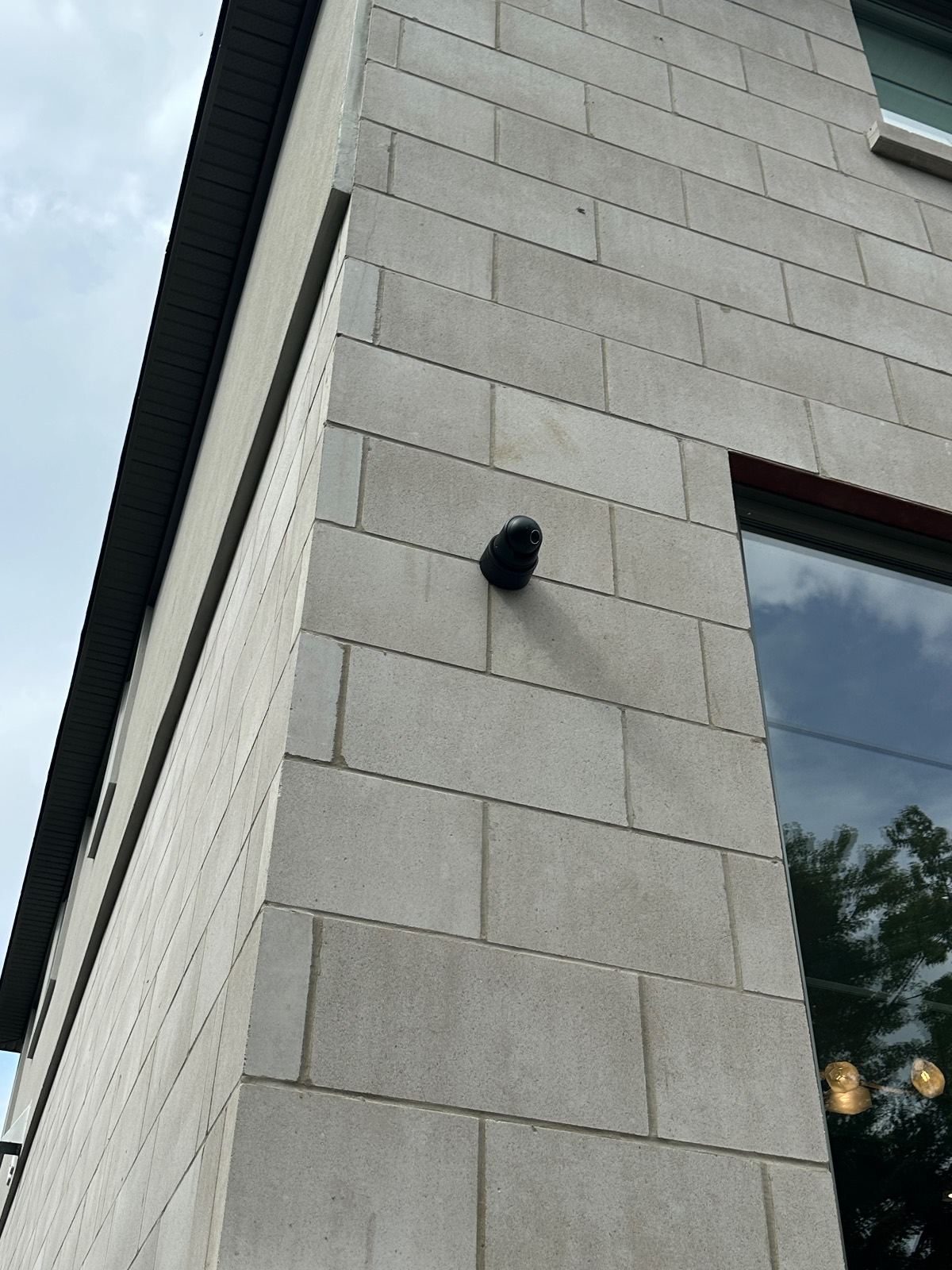
The first question is not how many cameras you want. It is what you need each camera to show. A face at the door, a vehicle entering a yard and a broad view of deliveries require different positions and detail. We install UniFi Protect, Axis and Ajax video across Waterloo Region, with recording, network connections and user access planned alongside the cameras. Residential and business systems share that practical starting point, but their daily use, permissions and review requirements can be very different.
Camera placement before camera specifications
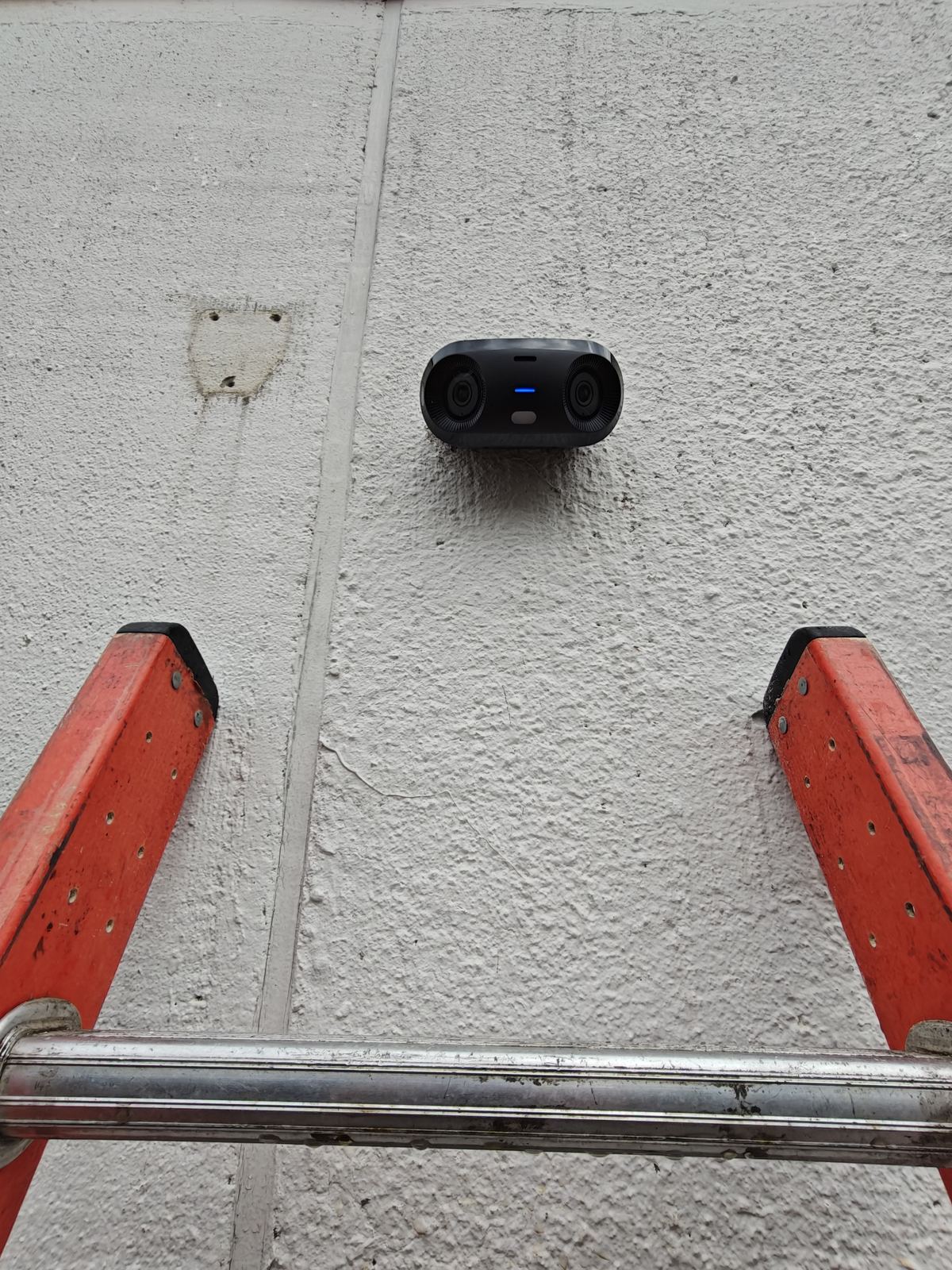
We walk the entrances and approach paths before choosing hardware. A high overview camera may show movement across the property while losing facial detail at a threshold. A closer view can identify a visitor but cannot see around the side of a building. Lens choice, mounting height, distance and available light determine what the proposed scene can reveal. We also check seasonal obstructions, reflections, headlights and feasible cable routes. The quote should describe the purpose of each camera so you can compare the installed view with the plan. We do not fill blind spots with promises: where a position cannot provide the required detail, we explain the limitation or consider another position.
UniFi Protect: local recording and practical review
UniFi Protect is an option for owners who want a locally recorded video system and a straightforward way to review cameras. An existing UniFi network can be useful context, but we still check switching, power, recorder requirements and account control. Camera count and recording settings affect the storage design. The owner should know where footage is kept and how to find and export an event. We set up the authorised users rather than leaving one installer account as the only administrator. A network logo alone is not a complete video plan; coverage and review needs decide whether the platform fits your property.
Axis video for demanding scenes and business use
Axis offers camera choices for different scenes and management requirements. We select a model against the intended view, light and environment, not a blanket claim that a brand guarantees identifiable footage. An entrance with daylight behind the subject needs a different assessment from an exterior lane after dark. Businesses may also need an orderly camera schedule, defined access permissions and a repeatable export process for managers. Recording and management requirements are scoped with the cameras. We explain which functions are supported by the chosen configuration and test the relevant workflow. That keeps the recommendation tied to the site's actual needs instead of a long list of features nobody plans to use.
Ajax video alongside an alarm or as a separate scope
Ajax video is another option when choosing the camera and recording arrangement. Where an Ajax alarm is already part of the project, we review how the selected video equipment and user workflow fit that setup. A camera is still a camera: it records a view and does not replace door contacts or interior detection. We identify the actual devices, recorder and supported functions in the proposal, rather than suggesting every Ajax sensor includes video or every alarm automatically records. Owners should understand who controls access, where footage is stored and how an event can be reviewed. We can compare this approach with UniFi Protect and Axis after the coverage requirements are clear.
See the Ajax Systems platformLocal recording, retention and remote viewing
Local recording and remote viewing have different dependencies. A suitably configured local recorder may continue storing footage during an internet interruption while off-site viewing becomes unavailable. Power, network connections and recorder health still matter. Retention depends on storage, recording settings, camera count and activity; we do not promise the same number of days for every installation. We ask how far back you need to review and explain the design trade-offs. Remote viewing is configured for appropriate accounts with clear ownership. At handover, users practise finding a camera, locating an event and exporting footage. A live picture on a phone is not enough to establish that recordings are useful when an incident needs review.
Active deterrence cameras and outdoor response
Some projects need more than footage after an event. Active deterrence uses supported cameras, perimeter beams and outdoor motion detection tied to strobe sirens to respond to an approach. We plan detection routes and schedules around deliveries, pets and normal property use, then test the configured response. Our own shop vans kept getting broken into, so we installed an Ajax 3-beam perimeter detector wired to a strobe siren. We have video of a vehicle entering after hours, the siren firing and the vehicle leaving. That clip shows what happened at our shop; it does not guarantee every incident will be prevented. The camera view should show the approach that triggers the outdoor response, not a different part of the yard.
Explore active deterrenceResidential and business camera planning
At a home, entrances, driveways and family access are often the starting priorities. At a business, deliveries, staff routes, yards and responsibility for retrieving footage may matter more. We ask who should see live views, who can export recordings and who will remove access when someone leaves. Cameras are aimed at the property and spaces that need protection; neighbouring windows and shared areas deserve care. Workplace policies, notices and permissions remain matters for the owner to address. If alarms or access control are installed too, we assess supported integration rather than assuming every product shares a dashboard. The installation is handed over with named views and a practical review routine.
Read about business camera systems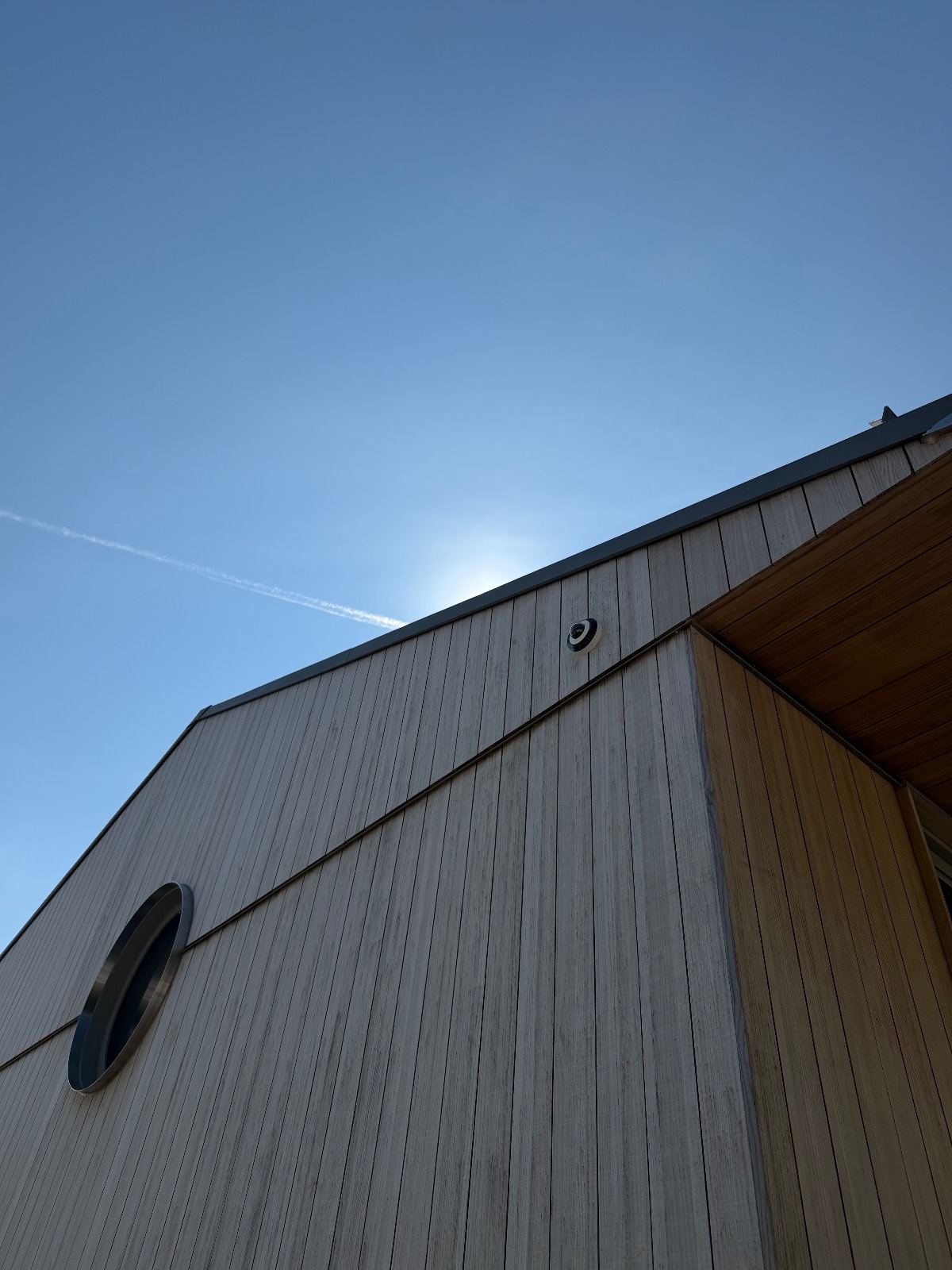
Common questions
Do cameras need cloud recording?
No. Local recording options are available with suitable equipment. We explain storage, maintenance and remote-access requirements for the selected system.
Will video record during an internet outage?
A locally recorded system may continue recording while remote viewing is unavailable. It still needs power and working on-site connections. We confirm the behaviour of your configuration.
Which camera brand should I choose?
We compare UniFi Protect, Axis and Ajax video against the required views, recording and users. Placement and light matter as much as the platform name.
Can cameras discourage an intruder?
An active deterrence design can trigger supported audible and visible responses to configured approach events. We plan and test it separately from ordinary recording. No system can guarantee prevention.
Can you add cameras to an existing system?
We inspect the recorder, cameras, cabling and account access first. Expansion depends on compatibility and available capacity. Useful equipment may be retained where it meets the new plan.