
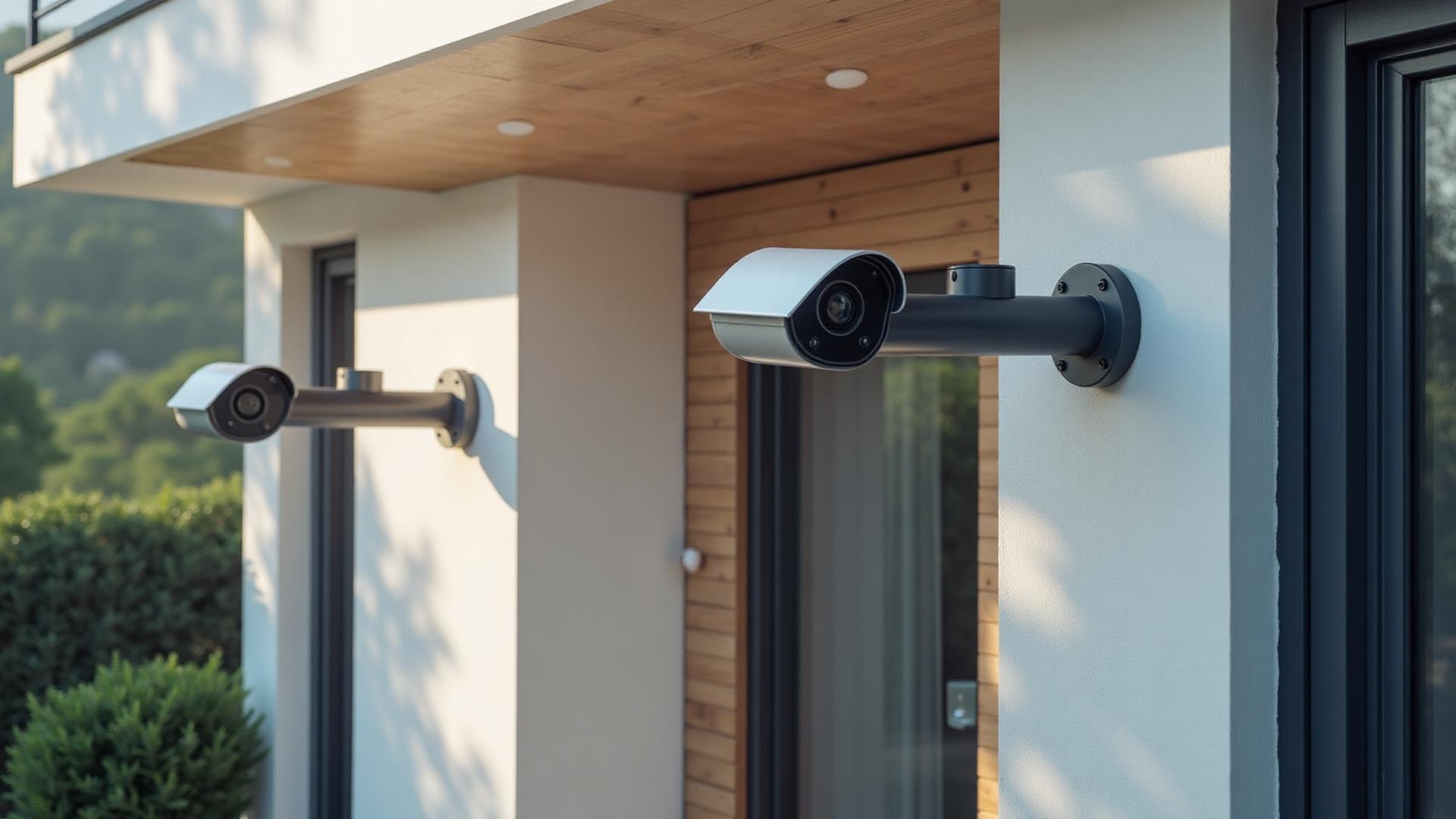
Useful security footage starts with the question a camera is meant to answer. Who approached the front door? What happened near the loading entrance? Can you identify a vehicle at the driveway? In Kitchener, a downtown storefront, a Deer Ridge property and a home in Doon present different sight lines. Slinger Solutions plans the views, network and recording together so cameras capture relevant activity instead of simply filling a screen with video.
Design from the approach paths
A wide image of the front lawn may look impressive but miss a face near the door. We walk the routes people actually take and identify the points where a useful image is possible. On a home in Forest Heights, that could mean prioritizing the garage approach and the front entrance rather than aiming one camera at the whole street. At a commercial unit near the Innovation District, employee and delivery access may matter more than a broad parking-lot view. Height, distance and lighting determine whether a proposed camera position makes sense.
Select cameras for the job
Axis IP video equipment is often appropriate when image detail, low-light performance and commercial-grade management matter. UniFi Protect may make sense for a property already built around UniFi networking and local recording. We also review other suitable equipment rather than selecting a brand before knowing the brief. Resolution alone is not the deciding factor: lens choice, field of view, placement and night lighting influence usable footage. We explain what a proposed view will show and where its blind spots remain.
Plan the recording, not just the live feed
Remote viewing is useful in the moment, but the ability to find an event afterward depends on retention, recording settings and storage. We discuss local recording equipment, access permissions and how footage can be retrieved. The amount of history available is shaped by the number of cameras, image settings, activity and storage capacity; it should not be promised as a fixed number of days without a design. For a busy Kitchener storefront, event search and an orderly camera naming scheme may matter as much as the camera at the entrance.
Build on a dependable network
IP cameras rely on more than the camera itself. Cable paths, power, switches and network capacity are part of the installation. A camera placed at a detached structure can introduce distance and connectivity questions that do not arise at a front porch. We review these practical constraints before finalizing positions, particularly in renovations where cable access is limited. We also consider who needs remote access and how to keep administration under the property owner's control. A reliable system is one that still records when nobody is checking the app.
Be considerate of neighbouring spaces
In closely spaced parts of Kitchener, a view that includes your walkway can also include a neighbour's window or public space. We aim cameras at the areas you need to protect and discuss masking or repositioning where appropriate. Lighting can introduce glare from headlights or reflections from nearby windows, especially after dark. We review sample views at installation rather than assuming the daytime image tells the whole story. Owners should also consider their obligations when recording employees, visitors or shared areas.
Connect video to the wider security plan
Video can help verify what happened, while an intrusion alarm reports when configured sensors activate. They are complementary, not identical. If you already have an alarm, we can review camera coverage alongside its entry points; if you are starting from scratch, the two scopes can be planned together. We show you how to view, search and export footage before handover. Future changes, such as a new gate or an added office, should be considered when deciding cable routes and recording capacity today.
Make the first review count
When we visit, show us the incidents or uncertainties that prompted the project. A package left at the door, activity near a side gate and an event at a receiving entrance each call for a different camera view. We can walk those paths in daylight, identify lighting to check after dark, and discuss who needs recordings. The resulting scope should identify each proposed camera by the view it provides. That makes the installation easier to evaluate later, because you can compare footage against a defined goal rather than a marketing promise.
Common questions
How many cameras does a Kitchener home need?
There is no universal number. We identify priority views and blind spots during a site assessment, then recommend only the positions that answer your security questions.
Can cameras record without a cloud subscription?
Local recording is possible with suitable systems, including some UniFi Protect configurations. Storage, access and maintenance still need to be planned.
Will cameras work at night?
Many models offer low-light or infrared capabilities, but usable results depend on placement, ambient light, reflections and distance. We assess those conditions on site.
Can I see my cameras away from home?
Remote viewing is available on appropriately configured systems. We review account access, network connectivity and who should be able to view recordings.